
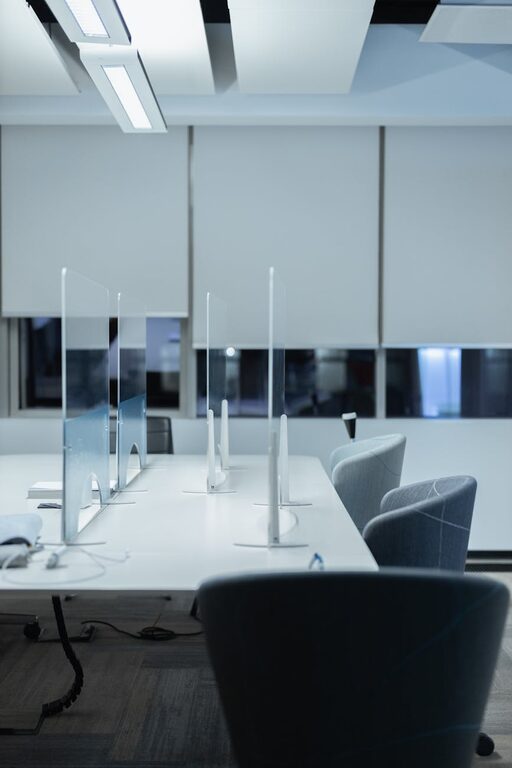
Creating an effective desk setup is more than just arranging your computer and chair. A well-organized and comfortable workspace can significantly improve your focus, reduce fatigue, and enhance overall productivity. Whether you work from home or in an office, these desk setup tips will help you design a space that supports your best work.
Why a Good Desk Setup Matters
Your desk setup affects how you feel and perform during the day. An uncomfortable or cluttered workspace can lead to distractions, physical strain, and decreased motivation. On the other hand, a thoughtfully arranged desk promotes better posture, easy access to essentials, and a calm environment that boosts focus.
Choose the Right Desk and Chair
Desk Height
Select a desk that suits your height and work style. When seated, your elbows should be at a 90-degree angle when typing or writing. Adjustable desks or sit-stand desks offer flexibility, allowing you to change positions throughout the day.
Ergonomic Chair
Invest in a chair that supports your lower back and promotes good posture. Look for adjustable height, lumbar support, and comfortable cushioning. Sitting properly reduces strain on your spine and shoulders, helping you stay comfortable longer.
Position Your Monitor Correctly
Place your computer monitor directly in front of you, about an arm’s length away. The top of the screen should be at or slightly below eye level to prevent neck strain. If you use multiple screens, arrange them side by side with equal distance, so you don’t have to turn your head excessively.
Organize Your Essentials for Easy Access
Keep frequently used items like your keyboard, mouse, notebook, and pens close at hand. Use desk organizers or trays to keep things tidy without cluttering your workspace. This reduces distractions caused by searching for tools and helps maintain a neat environment.
Optimize Lighting for Comfort
Good lighting reduces eye strain and keeps you alert. Natural light is ideal, so position your desk near a window if possible. If natural light isn’t available, use a desk lamp with adjustable brightness and color temperature. Avoid glare on screens by positioning lights to the side or behind your monitor.
Manage Cables and Power Supplies
A tangled mess of cords can be distracting and unsafe. Use cable clips, sleeves, or under-desk trays to keep wires organized and out of sight. Place power strips within easy reach but out of your immediate workspace to avoid clutter.
Add Personal Touches Wisely
Personal items like plants, photos, or artwork can make your workspace inviting and reduce stress. Choose items that inspire you but avoid overcrowding your desk. A few well-placed objects create a pleasant atmosphere without causing distractions.
Maintain Proper Posture and Take Breaks
Even with a perfect setup, sitting for long periods isn’t ideal. Maintain an upright posture with feet flat on the floor. Set reminders to stand, stretch, or walk every 30–60 minutes. This boosts circulation, reduces stiffness, and refreshes your mind.
Keep Your Desk Clean and Decluttered
Regularly clean your desk surface, keyboard, and mouse to maintain hygiene and reduce allergens. Declutter by removing unnecessary items and organizing papers. A clean desk fosters a clear mind and encourages productivity.
Use Tools That Enhance Focus
Consider adding noise-cancelling headphones, a white noise machine, or productivity apps to minimize distractions. A timer or task list on your desk can help manage your workload efficiently.
Final Thoughts
Your desk setup plays a crucial role in your daily comfort and ability to focus. By investing time in arranging an ergonomic, organized, and personalized workspace, you can create an environment that supports well-being and productivity. Try these tips and adjust your setup as needed to find what works best for you.